What a bill reminder app can and cannot do
A bill reminder app keeps recurring payments and their due dates in one view and prompts you before each one lands. That prompt matters more than it sounds. It moves due dates out of memory and off a paper pile, and it gives everyone in a household one place to see what is still outstanding.
What it cannot do is pay the bill for you or guarantee that you act on the alert. Missing a credit card payment can trigger more than a late fee. The Consumer Financial Protection Bureau (CFPB) has documented how late payments can compound: extra interest charges, loss of a grace period and negative credit reporting. Negative payment history can generally stay on a credit report for up to seven years. A reminder can shrink the chance that a date slips past you; it does not transfer responsibility for paying on time, and it cannot prevent a late fee or protect a credit score.
That is the honest answer behind the search for the best free app for tracking recurring bills and due dates. You are not looking for an app that removes risk. You are looking for one whose schedule model, reminders and records match how your household actually pays bills. It also helps to remember that the best app to remind me to pay my bills is not the one with the most notifications, but the one you will keep acting on.
Inventory your recurring bills, due dates and owners
Before you compare apps, write down what you are tracking. For each bill, note a label, the usual amount or range, the due date and cycle, the payment method, the person responsible and a backup person.
Include the bills that are easiest to forget: quarterly insurance, annual renewals and memberships, and utilities whose amounts change with the season. Flag any due date that moves when it falls on a weekend or holiday.
Keep the inventory non-sensitive. Use recognizable nicknames instead of account numbers, and never enter full account or card numbers into a spreadsheet, note or tracker. You need enough detail to match the right payment to the right bill, not enough to reconstruct an account.
This list becomes your test data later, so give every bill a name, a date and an owner before any app enters the picture.

Compare recurring-schedule and reminder options
Recurrence handling is where free trackers separate from each other. A recurring bill tracker that handles one fixed monthly date will not fit a household whose utilities, insurance and subscriptions follow different patterns.
- Schedule types. Look for weekly, monthly, quarterly and annual repeats, plus a way to handle the last business day or third Thursday patterns that many utilities and landlords use.
- Variable amounts. A tracker that stores one fixed amount struggles with seasonal utility bills. Check whether you can leave the amount open or update it per cycle without breaking the schedule.
- Reminder settings. Check the lead time, whether reminders repeat until you clear them, whether you can snooze one occurrence without changing the rule, and whether you can set a different lead time for rent and a streaming subscription.
- Automatic or manual entry. Some apps detect recurring charges by connecting to bank accounts through a read-only data provider; others expect you to type each bill once. Detection saves setup time but depends on account linking and reliable connections. Manual entry works without sharing any financial login, which some households prefer.
Two current examples show the split. Hiatus describes automatically finding and organizing recurring expenses and helping you cancel subscriptions you no longer need. PocketGuard describes surfacing upcoming bills and subscriptions and flagging recurring charges before they renew. Both approaches can support a due-date workflow; the question is whether the detected schedule is editable and whether it survives a changed amount.
Also test for alert fatigue. If every bill fires three notifications, a household stops reading them.
Check how the app records paid, unpaid, overdue and changed bills
A monthly bill tracker app should be a record, not just an alarm. A reminder that disappears when you tap it is not a record. Look for clear states: scheduled, due, paid, partially paid, skipped and overdue. Then check three things.
First, does clearing an alert mean paid or only dismissed? Those are different, and the difference matters at month end when you are reconciling.
Second, does the app keep a history when a due date or amount changes? Utilities, insurance and subscriptions all change, and a tracker should let you correct the schedule without erasing the past.
Third, can two people mark the same bill without creating conflicting records? The record should show who changed what and when.
Evaluate household sharing, permissions and duplicate-notification risks
Sharing turns a personal reminder into a household system, but it also creates new failure modes.
Check who can see which bills, whether each member receives their own reminder, and whether the app shows who is responsible for each payment. Some apps notify everyone about everything; others let each person follow only the bills they own. Decide which behavior your household needs before you invite anyone.
Duplicate notifications are the most common annoyance. Two phones, two alerts, one bill; a person pays it, and the second reminder still fires. Look for a shared status that updates in real time, so paying on one device clears the alert on the others.
Keep the privacy boundary in mind as well. A bill tracker should not need full account numbers, online banking passwords or card details to remind you that rent is due. If setup asks for that level of detail, treat it as a warning sign.
Review backup, export and account-recovery options
You are trusting the app with next month's due dates, so check what happens when a phone is lost or an account is locked.
- Export. Can you export your bill list and history to a spreadsheet or PDF? Try it during the trial, before you have entered a full year of data.
- Backup and sync. Does data sync through an account, and does signing in on a new device restore everything?
- Recovery. What is the process if you lose access to the email or sign-in method tied to the account? Is there a recovery path that does not depend on a single device?
If export is missing, or the app stores data only on one phone, keep your inventory in a separate document as a safety net.
Verify what the free plan includes and whether regional or platform restrictions apply
The word free covers several different products: a permanently free core, a free tier with caps, an ad-supported version, and a trial that converts into a subscription. Before you commit, write down exactly where the free version stops.
Common limits include the number of bills you can track, how far ahead reminders can be set, how many people can share the list, and whether export or sync is available at all. Some apps also charge for automatic bank connections while keeping manual entry free.
Then check the practical restrictions. Is the app available on both iOS and Android, or on the web? Is it offered in your country? Does the free tier work offline? Platform matters here: a free app for tracking bills due on an iPhone may not exist in the same form on Android, and the reverse is also true. If you are searching for the best free bill organizer app for iPhone specifically, check the current App Store listing rather than a review written years earlier.
Prices, trials and store listings change often, so verify the current terms on the official pricing page and the app store listing at the moment you decide.
Run a one-month test using non-sensitive sample entries
Give the app a month of realistic but non-sensitive data, and score it against your inventory.
- Week 1: build the inventory and run it alongside your current method. Do not delete the old system yet.
- Week 2: enter each bill with a nickname and a sample amount. Set the reminder lead times you would actually use.
- Week 3: compare every alert with the real due date. Note misses, early or late alerts, and duplicates.
- Week 4: record payments for the month and check whether paid, unpaid and overdue states match reality.
Use a completion standard rather than a feeling: every bill reached you before its due date, every alert was clear enough to act on without opening a bank app to interpret it, and the monthly record matched the payments you actually made. If the app failed that standard in a quiet month, it will not rescue a busy one.
Create a fallback routine for missed notifications or incorrect dates
No notification system is perfect, so build one layer under it.
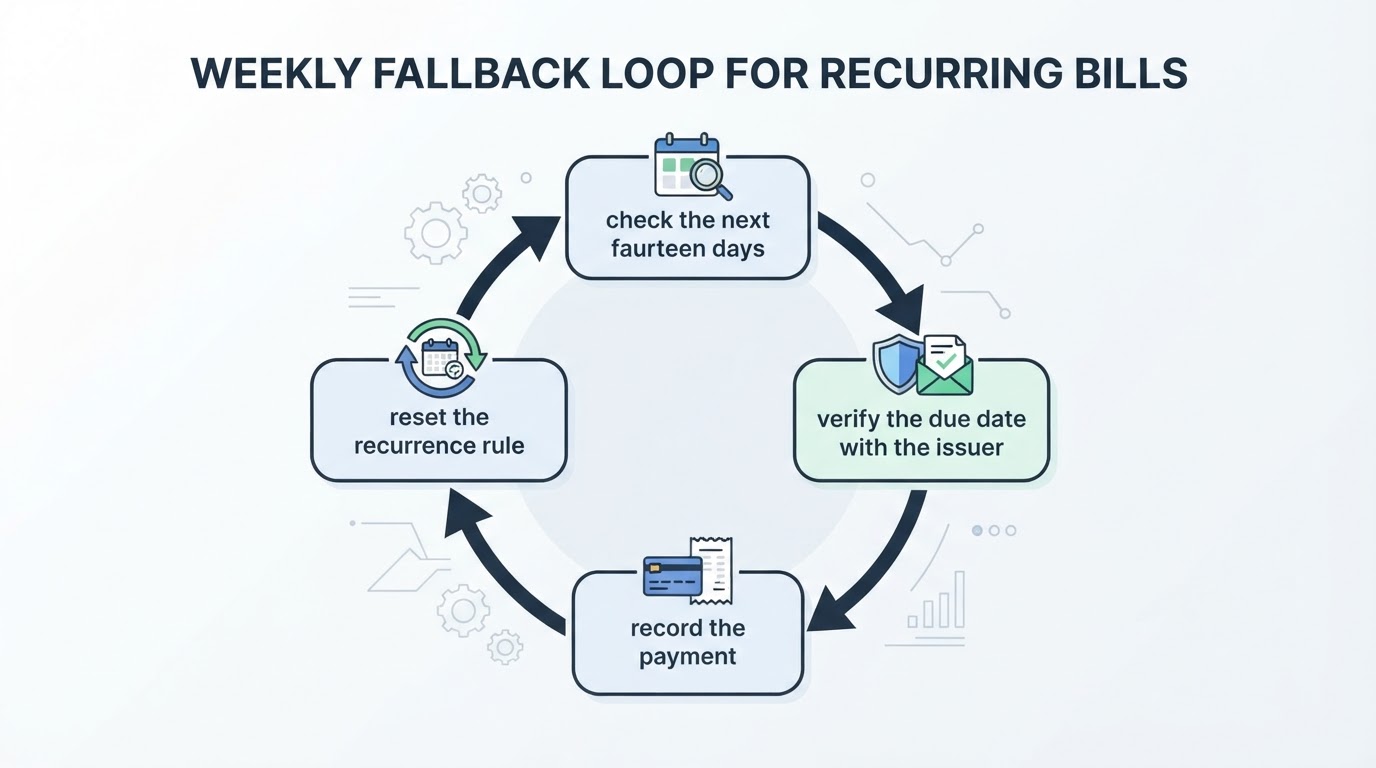
Pick a fixed weekly time for a ten-minute review: open the tracker, check the next fourteen days of bills, and confirm that each upcoming payment matches the issuer's current due date. Verification belongs in the bank or issuer portal, not in the tracker, because the tracker is a reminder, not a statement.
If a notification was missed or a date was wrong, fix the recurrence rule immediately and note what changed. Keep one simple backup, such as a shared calendar event for the largest bills, so a single app failure does not become a missed payment. Agree who runs the review when the usual person is away; the weekly check is the layer that catches what the app misses.
Bill-tracking app evaluation checklist
Criterion | What good looks like | Red flag |
|---|---|---|
Recurring schedules | Handles weekly to annual cycles, custom days and variable amounts | Only fixed monthly dates |
Reminders | Configurable lead time, repeats until cleared, per-bill overrides | One global setting, no snooze |
Status records | Paid, unpaid, overdue and changed states with history | Clearing an alert deletes it entirely |
Household sharing | Per-member reminders and a shared live status | Everyone gets every alert, no attribution |
Backup and export | Sync across devices plus spreadsheet or PDF export | Single-device storage only |
Free plan | Clear limits stated up front, usable core for your bill count | Free that is actually a short trial |
Account recovery | A path back in after a lost phone or locked account | No recovery beyond one device |
Privacy | Minimal data collection, no full account numbers needed | Requires card or bank credentials it does not need |
Where a dedicated bill tracker fits alongside a household app
Some households want a narrow tool that only tracks bills and due dates. Others prefer one app for bills, calendars and tasks so the payment reminder sits beside the school run and the weekly shop. Both are legitimate choices; the criteria above decide which fits.
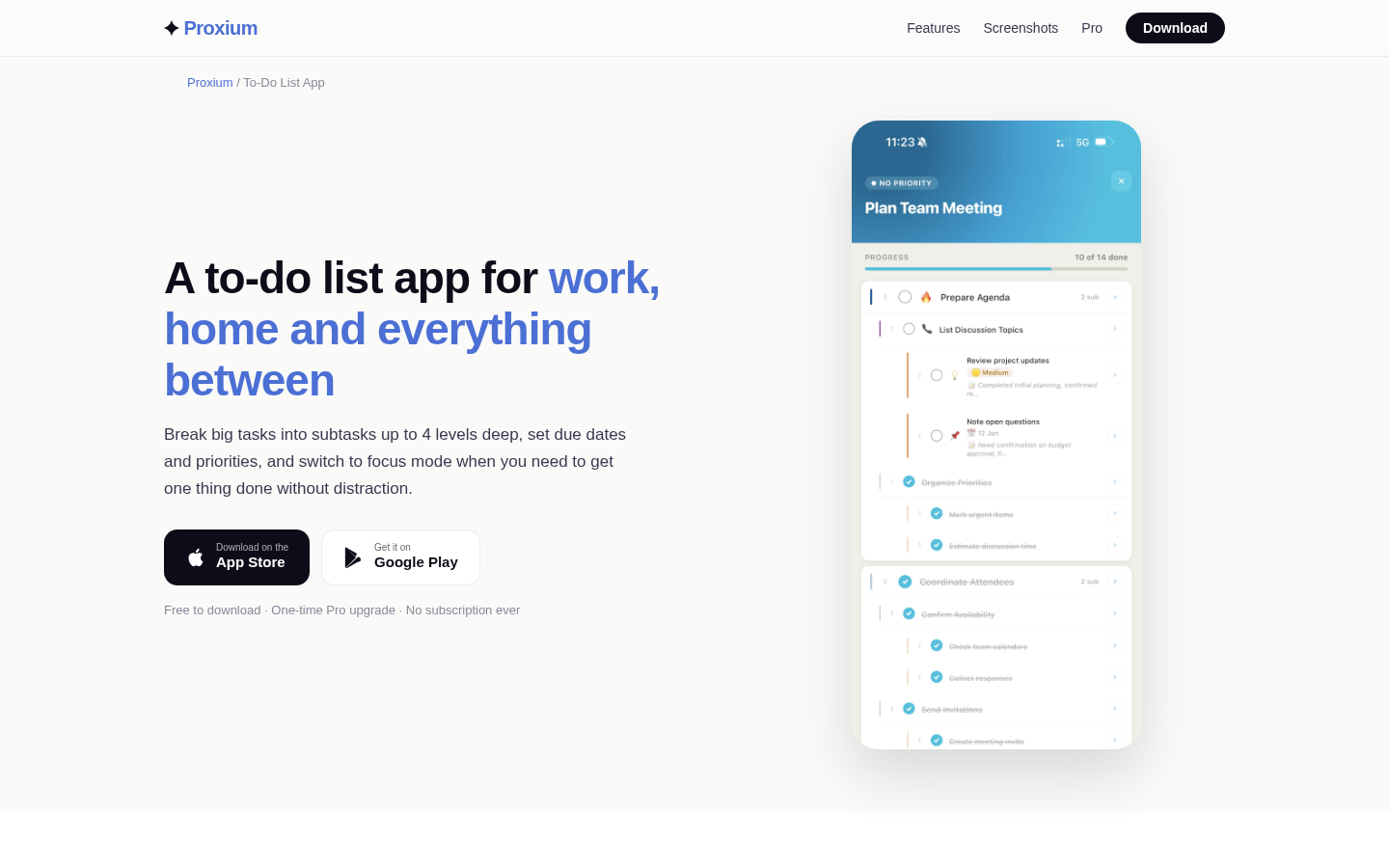
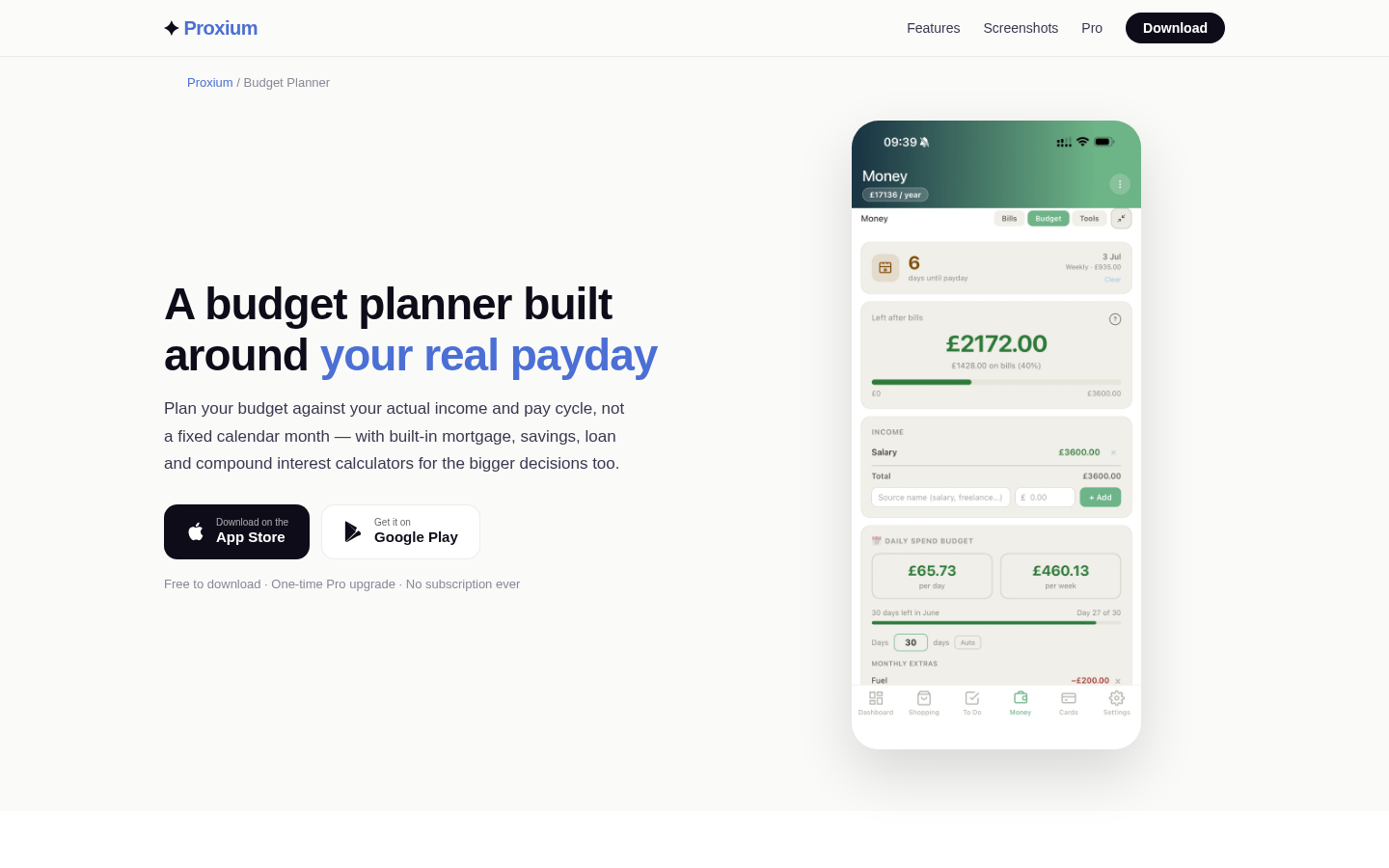
This guide is published by the team behind Proxium. Proxium's bill tracker records recurring bills such as rent, utilities and subscriptions and shows outstanding payments, and its product information describes basic tracking as free. Judged against the checklist, the relevant questions are the same ones you would ask any app: whether the schedule model matches your bills, how reminders and payment status work together, and what the free version includes now.
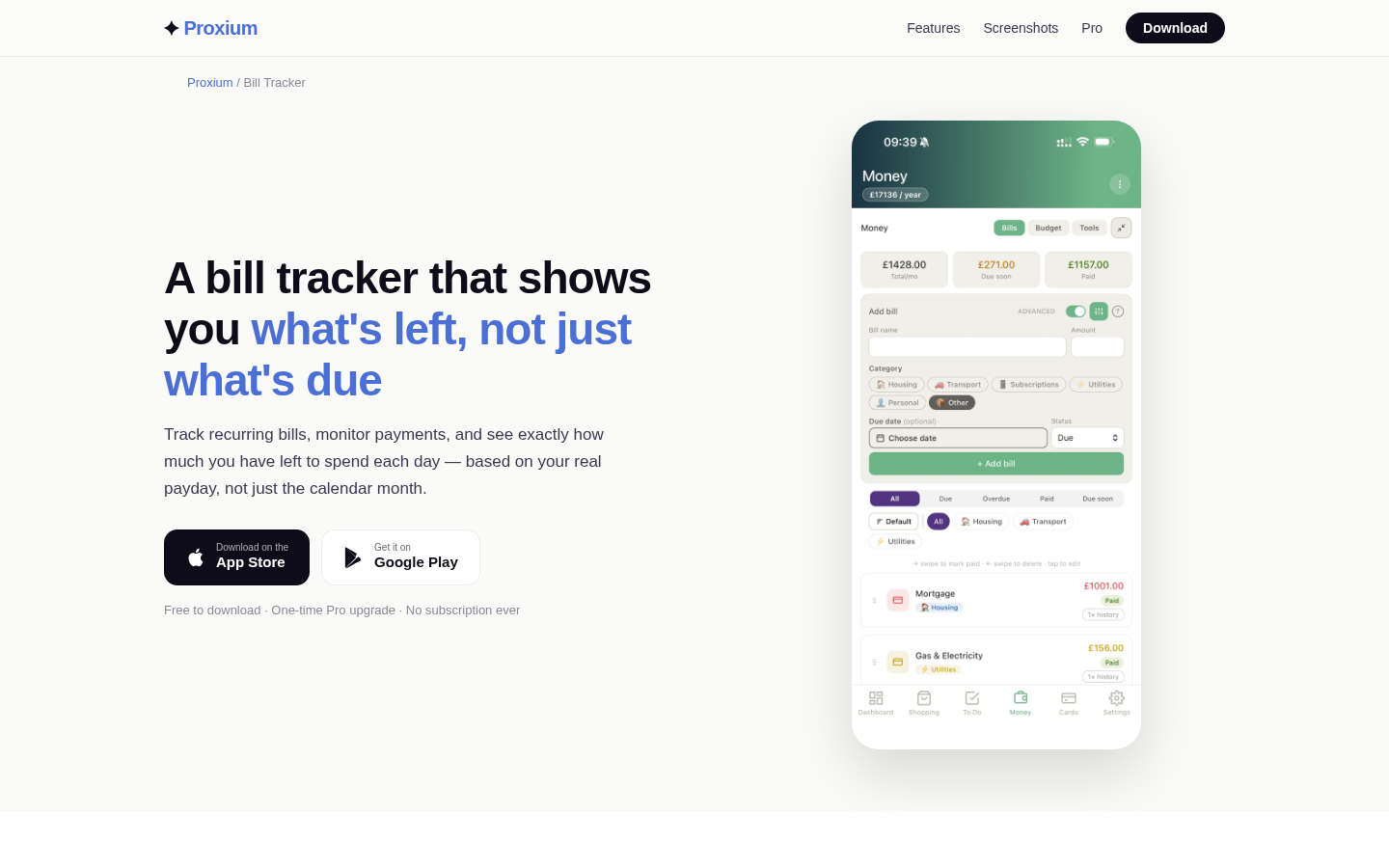
Feature landing page for bill tracking and budget planning with recurring bills, salary cycles, and daily remaining budget.
Choosing without declaring a winner
There is no universal best free app for tracking recurring bills and due dates, and any guide that names one without showing its criteria has skipped the hard part. Match the app to your schedule types, your household's sharing pattern and your tolerance for setup work, then test it for a month with non-sensitive data.
Keep expectations calibrated. A tracker can organize due dates and prompt you. It cannot pay the bill, absorb a late fee or repair a credit score, and it does not replace checking the issuer's records. Choose the tool that makes your own follow-through more reliable, and keep a weekly review as the backstop.