How to Choose a Family Calendar App for School Pickups and Activities
The search for the best shared family calendar app for coordinating school pickups and after-school activities usually starts the same way: after a missed pickup, a double-booked ride, or a third round of “who is getting the kids?” texts by mid-afternoon. The honest answer is that no single app is best for every household, because the app is only half of the system — the other half is how your household uses it. This guide keeps the question practical. It maps the coordination problem, names the calendar capabilities that matter for pickups, caregiver handoffs and after-school activities, shows how to build entries that survive a real school week, and gives you a one-week test so you can judge candidate apps against your own routine before you commit.
Pickups are handoffs, not just events
A school day looks easy on paper: 3:05 pickup, 4:30 swim club, done. School logistics get hard at the edges — early dismissal, a child staying late for a club, a parent stuck in traffic, a grandparent covering a pickup at short notice, an activity moved to a different field. Every one of those moments is a handoff between the adults responsible for a child, and the failure mode is rarely “nobody knew the time.” It is usually “the wrong person assumed the wrong thing”: that a reminder meant someone else would act, that an unchanged entry meant an unchanged plan, or that a pickup time implies a specific adult when nobody ever wrote one down.

The calendar’s job is to make those handoffs explicit: who is responsible, for which child, at which time, at which location, and what to do when the plan changes. Everything in this guide flows from that job.
Map every adult who carries a piece of the week
Before comparing apps, list the people who actually participate in school logistics: parents, guardians, relatives, and other authorised caregivers such as a nanny, a childminder, or a trusted neighbour in the carpool. Write down what each person needs to do: who drops off, who picks up on which days, who covers clubs and appointments, and who is the backup when someone is unavailable.
That list decides two settings you will test in every candidate app. First, who gets access at all. Second, who may only view and who may edit. A helpful default for many households is that every regular caregiver can add and change their own events, while occasional helpers get read-only access, and the calendar is never shared with the school or with services that do not need live household schedules.
Six calendar capabilities that decide school-week fit
Keep the feature list short and test it against your own handoff list. These six capabilities matter most for school logistics:
- Shared access. Everyone responsible for a child sees the same entries on their own phone, and changes appear without anyone forwarding screenshots.
- Recurring events with exceptions. Pickups repeat weekly, but they change on early-dismissal days. What matters is not just “repeat every Tuesday,” but how easy it is to override a single instance.
- Reminders. Useful for the adult who is driving, less useful for the adult who is not. Test whether reminders can be per-person and per-event, or only broadcast to everyone.
- Visible edits. When an event changes, can you see who changed it and when? Attribution turns a mystery edit into an answerable question.
- Notes and details. The location of the pickup point, the child’s after-school club, or “backup: call Aunt Jo” belong in the event, not in a private message thread.
- Role clarity and last-minute changes. Can different members have different permissions, and can anyone drag an event to a new time when plans shift at 2 pm?
If your household mostly fits one pattern, let that pattern narrow the field. Two parents and a nanny juggling staggered school runs should prioritise per-person reminders and clear attribution. Separated parents coordinating across two homes should prioritise read-only guest access and visible edit history. A household leaning on grandparents or a carpool should prioritise how little training the occasional user needs — and whether that user even needs an account.
Build a pickup entry that plans the handoff
A pickup entry that merely says “School pickup” forces everyone to remember the details. A handoff entry carries the whole plan:
Field | What to write |
|---|---|
Time | The actual pickup time, plus a buffer if dismissal runs late |
Child | Which child or children the entry covers |
Responsible adult | One named person, not “whoever is free” |
Location | The gate, entrance, or carpool point — not just the school name |
Contingency | The backup person and how to reach them if the first plan fails |
Confirmation | Who confirms the pickup happened, and where they record it |
Create one recurring entry per school day with the routine details, then edit that single day when something changes. A good test of any app: change the pickup time at 1:45 pm on a school day and check that the responsible adult can see the update from their phone without a phone call.
Use separate calendars or labels per child and activity type
Once two children have different schools and three activity types, one flat calendar becomes a guessing game. Most apps solve this with separate calendars or with colour-coded labels, and the two behave differently: separate calendars can be shared with different people, while labels keep everyone in one view.
A workable pattern: one calendar per child, with colours reserved per child; pickup and drop-off entries in a consistent format; and clubs, medical appointments and family events visually distinct so a glance at the week answers “who needs to be where, and who is taking them.” Whatever you choose, apply it consistently from day one — a system you design after three weeks of confusion is much harder to adopt.
Agree on a change-confirmation routine
Notifications tell people that something changed. They do not confirm that anyone read it, and they do not confirm that a pickup actually happened. Calendar entries and alerts support coordination; they are not proof of a completed handoff.
So pair the calendar with a tiny routine that everyone follows. Pick one owner per recurring pickup — the person who changes the entry whenever the plan changes. Whenever that person edits a time, location, or responsible adult, they also send a one-line message to the people affected. When the pickup happens, the responsible adult confirms it in whatever channel the household already uses, and the entry is done. The rule that saves the most arguments is simple: an entry is not final until the responsible adult has confirmed it, and a reminder is not a confirmation.
Keep sensitive details off the shared calendar
A shared family calendar is convenient precisely because several people can see it — including people added months ago, on devices you do not control, and possibly through accounts the school or a service provider can access. Treat event details accordingly.
Use first names or initials for children, name the school or club rather than the full address, and keep medical conditions, exact home addresses, and any schedule that reveals when a child is home alone out of event notes entirely. If an app offers per-event privacy or read-only guest access, use it for the entries that need it. The test for every detail is simple: if the wrong person saw this event, would the household be uncomfortable? If yes, move that detail to a private channel.
Test candidate apps with one neutral week
Feature lists are marketing; a school week is evidence. Pick two or three candidates — for example Cozi, FamilyWall, TimeTree, or the app your household already uses — and run the same test with each: one calendar per child, the pickup entries built exactly as above, the change routine agreed in advance.
During the week, record what actually happened rather than what you hoped would happen: whether the recurring pickup entries survived an early-dismissal override, whether the right adult saw the 1:45 pm change, whether the grandparent could read the week without coaching, and whether anyone still texted “who is picking up?” after the third day. The completion standard for the test is a full school week in which every handoff had a named owner, every change reached the person who needed it, and no pickup was double-booked or missed. An app that passes that week on your household’s terms is the one to keep — regardless of which list ranks it first.
The checklist: questions to ask before you commit
Before you pay for anything or declare a winner, work through this checklist:
- Can every regular caregiver join on their own device, and can occasional helpers get read-only access?
- Do recurring entries handle single-day overrides without breaking the weekly pattern?
- Can reminders be set per person, or will everyone be notified about everything?
- When an event changes, can anyone see who changed it and when?
- Do entries support the details — pickup point, child, responsible adult, contingency — without becoming cluttered?
- Can you keep children and activity types separate with calendars or colours that stay consistent?
- What happens to an edit made two hours before pickup — does the responsible adult actually get notified?
- Does the free tier cover the household’s real needs, and is the paid plan priced as a one-time purchase, a subscription, or something else?
- What data does the app collect, who can see event details, and can you export or delete the family’s data if you leave?
- Does the app work on every device the household actually uses, including the occasional user’s phone?
- Has the household run the one-week test with real pickup entries and a real change, not a demo?
- Did everyone involved agree on the routine, or is the app expected to fix coordination by itself?
Next steps: choose the calendar that survives your week
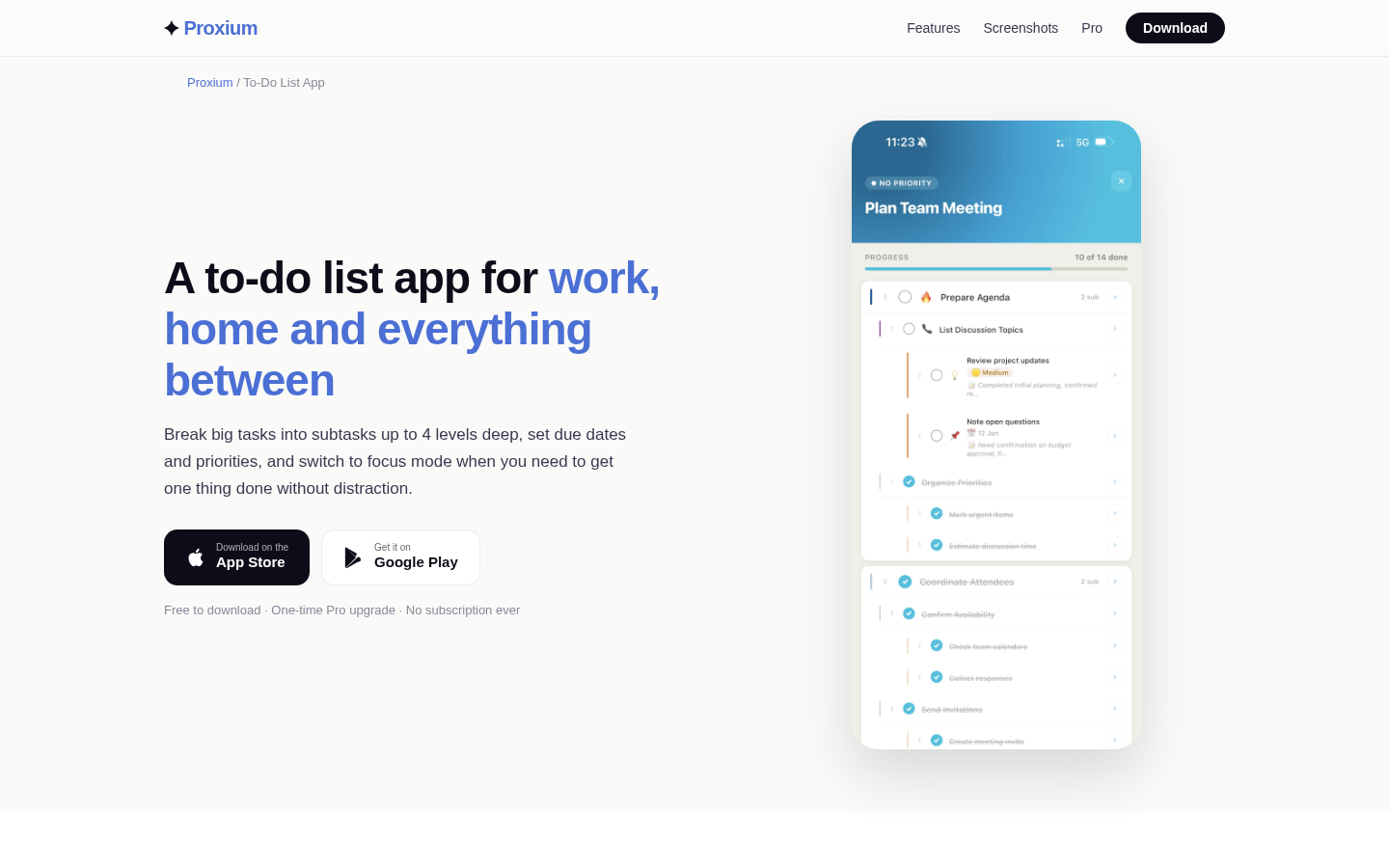
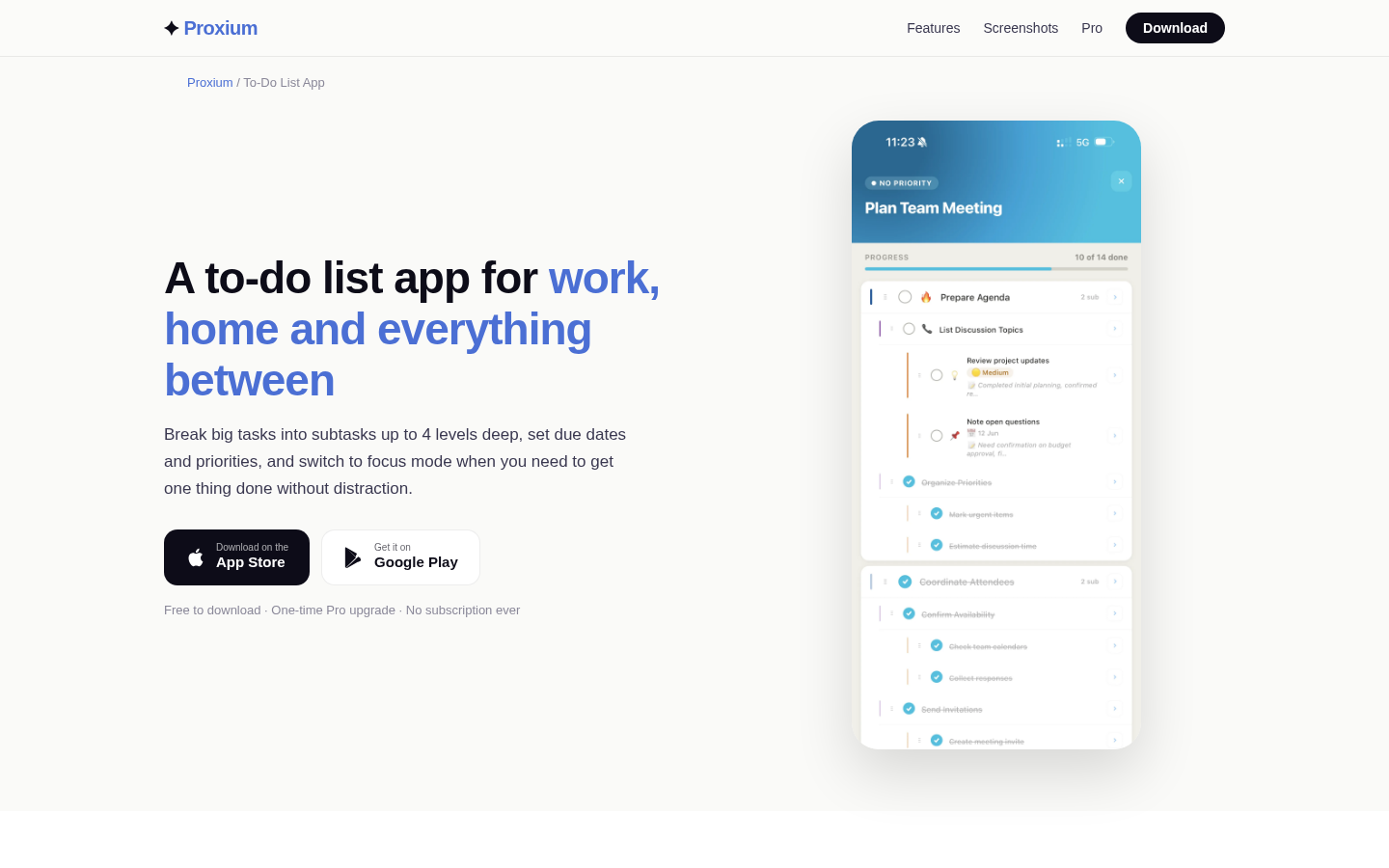
Start this week rather than researching forever: write down the handoff list, build the pickup entries, run the one-week test with two candidates, and let the checklist settle any tie. If you want one concrete candidate to include in the test, Proxium is a household-organisation app whose calendar is free to use with day and month views; a one-time Pro upgrade adds recurring events, reminders, calendar search, and Family Calendar, which shares the plan with the household in real time and shows who added each event — all verified on Proxium’s official calendar page. But the point of the test is your routine, not any single app: whichever shared calendar passes a real school week in your household is the one worth keeping, and the best next step is the one your family actually follows.